Introduction
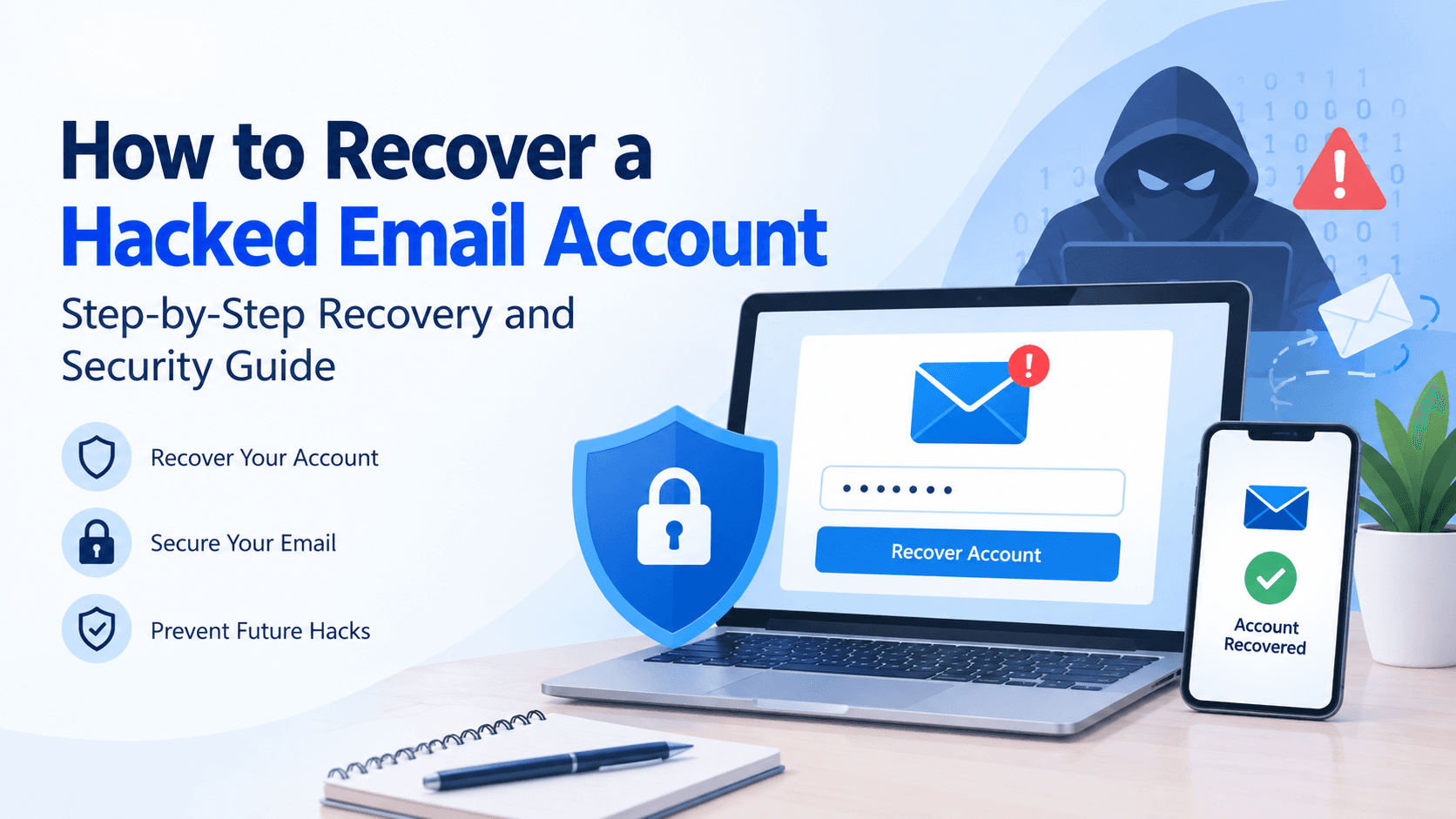
A hacked email account can be more than an inconvenience. Because email accounts are often connected to banking services, online shopping platforms, social media accounts, cloud storage, and workplace tools, unauthorized access can create a chain reaction of security problems.
If you suspect that someone has gained access to your email account, taking action quickly can help limit the damage and improve your chances of regaining control. This guide explains how to recover a hacked email account, secure your information, and reduce the risk of future compromises.
Quick Answer
If your email account has been hacked:
1. Attempt to sign in immediately.
2. Change your password if you still have access.
3. Use your provider's account recovery process if you are locked out.
4. Review recovery email addresses and phone numbers.
5. Enable two-factor authentication (2FA).
6. Check recent login activity.
7. Remove suspicious forwarding rules and devices.
8. Scan your devices for malware.
9. Update passwords for important connected accounts.
The exact recovery steps vary by email provider, but these actions are commonly recommended across major email platforms.
How Do You Know If Your Email Account Has Been Hacked?
Many people discover a compromise only after they lose access. However, warning signs often appear earlier.
Common indicators include:
- Your password suddenly stops working.
- You receive security alerts for unfamiliar sign-in attempts.
- Emails appear in your Sent folder that you did not send.
- Contacts report receiving unusual messages from your account.
- Recovery information has been changed without your knowledge.
- Inbox messages disappear unexpectedly.
- New email forwarding rules appear in your account settings.
- Login activity shows unfamiliar devices or locations.
One warning sign alone does not always confirm a compromise, but multiple indicators should be treated seriously.
Step 1: Determine Whether You Still Have Access
The first step is identifying your current level of account access.
If You Can Still Sign In
Act immediately:
- Change your password.
- Sign out of all active sessions.
- Remove unfamiliar devices.
- Review account security settings.
Changing your password quickly may prevent an unauthorized user from maintaining access.
You may also find our guide on changing an email password helpful if you need assistance updating account credentials.
If You Cannot Sign In
If your password no longer works, begin the account recovery process provided by your email service.
Many providers allow users to verify ownership through:
- Recovery email addresses
- Mobile verification codes
- Trusted devices
- Security questions
- Previous password verification
The more accurate information you can provide, the better your chances of recovering access.
Step 2: Start the Account Recovery Process
Most email providers have dedicated recovery tools designed to help users regain access.
During recovery, you may be asked to confirm:
- Previous passwords
- Account creation details
- Recovery phone numbers
- Recovery email addresses
- Frequently used devices
When completing recovery forms:
Recovery Form Tips
- Answer questions carefully.
- Use familiar devices whenever possible.
- Avoid repeated failed attempts.
- Provide information exactly as you originally entered it.
If standard recovery methods are unsuccessful, additional account recovery options may be available through your provider.
Step 3: Create a New Strong Password
Once access is restored, create a completely new password.
Avoid:
- Reusing old passwords
- Using personal information
- Using simple keyboard patterns
- Using the same password across multiple websites
A stronger password typically includes:
Strong Password Requirements
- Uppercase letters
- Lowercase letters
- Numbers
- Symbols
- At least 12 characters
Password managers can help generate and securely store unique credentials.
Step 4: Review Recovery Information
Attackers often change recovery settings after gaining access.
Review:
- Recovery email addresses
- Phone numbers
- Backup verification methods
- Security questions
Remove any information that you do not recognize.
Updating recovery information can help prevent future lockouts.
Step 5: Enable Two-Factor Authentication
Two-factor authentication adds an additional layer of protection.
Even if someone obtains your password, they may still need:
- An authentication app approval
- A one-time verification code
- A security key
Whenever possible, enable two-factor authentication immediately after recovering your account.
Step 6: Check Recent Account Activity
Many email providers allow users to review recent account activity.
Look for:
- Unknown devices
- Unfamiliar locations
- Suspicious login times
- Security setting changes
If you discover unauthorized access, terminate those sessions and review your security settings again.
Step 7: Check Email Forwarding and Filter Rules
One frequently overlooked step involves reviewing email rules and forwarding settings.
Some attackers create forwarding rules that automatically send copies of incoming emails to another address.
Review:
- Email forwarding settings
- Filters
- Automatic responses
- Delegated account access
Delete anything you did not create.
Step 8: Scan Your Devices for Malware
In some cases, the problem may have started on the device rather than the email account itself.
Consider scanning:
- Desktop computers
- Laptops
- Smartphones
- Tablets
Malware, spyware, malicious browser extensions, and keyloggers can sometimes capture passwords without the user's knowledge.
Keeping software updated can also help reduce security risks.
Step 9: Secure Connected Accounts
Email accounts are often used to reset passwords for other online services.
After recovering your email account, consider reviewing:
- Banking accounts
- Social media profiles
- Shopping accounts
- Cloud storage platforms
- Work-related services
Update passwords for important accounts if you believe they may have been affected.
Common Mistakes to Avoid
When recovering a hacked email account, avoid these common mistakes:
Waiting Too Long
Delays may give attackers additional time to modify settings or access sensitive information.
Reusing Old Passwords
Using a previous password may leave the account vulnerable.
Ignoring Recovery Settings
Failure to review recovery information can allow unauthorized access to continue.
Skipping Device Security Checks
Recovering the account without checking devices may leave the original security issue unresolved.
Frequently Asked Questions
Final Thoughts
A hacked email account can affect much more than your inbox. Because email accounts often serve as the gateway to other online services, recovering access and strengthening security should be a priority.
By changing passwords, reviewing account settings, enabling two-factor authentication, monitoring login activity, and securing connected accounts, users can improve account protection and reduce the likelihood of future compromises.
Taking a proactive approach to email security today can help prevent more serious problems later.
About SBCMailMe
SBCMailMe provides educational information related to email account access, password recovery, login issues, account maintenance, and email security. Our goal is to help users better understand common email-related challenges and the steps that may assist in resolving them.
For additional information about our educational resources, contact SBCMailMe at +1 (855) 529-0095