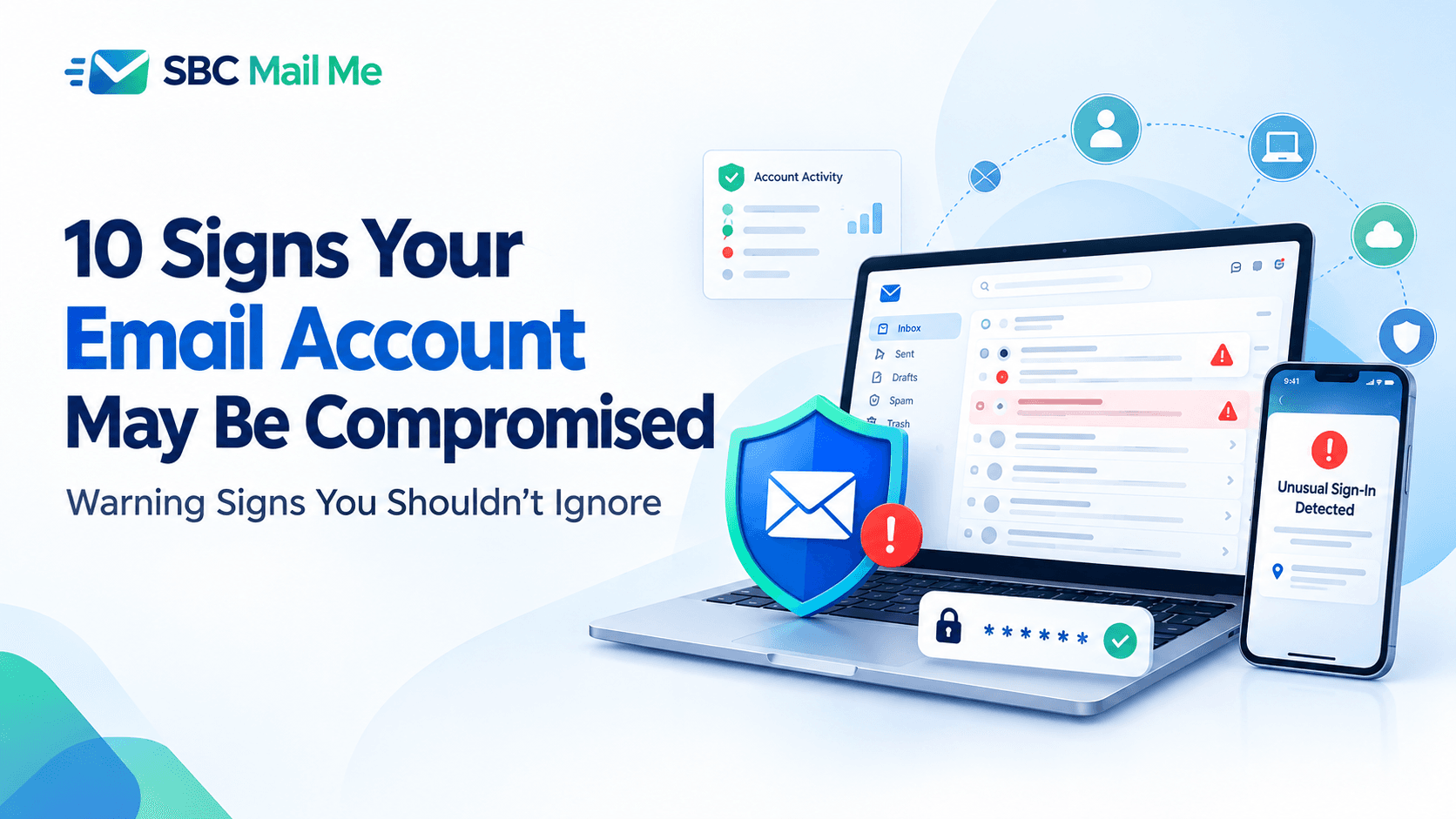
Email accounts have become the central hub of our digital lives. From banking notifications and online shopping receipts to social media accounts and work communications, a single email address is often connected to dozens of important services. Because of this, unauthorized access to an email account can create risks that extend far beyond the inbox itself.
Unfortunately, many people do not realize their email account has been compromised until suspicious activity begins affecting other accounts. In some cases, attackers may quietly monitor messages, change account settings, or attempt to gain access to additional services linked to the email address.
The good news is that compromised email accounts often show warning signs before significant damage occurs. Recognizing these signs early can help you take action, secure your account, and prevent further unauthorized access.
1. You Receive Password Reset Emails You Didn't Request
One of the most common warning signs is receiving password reset emails for accounts you did not attempt to access. Attackers often use a compromised email account to reset passwords for other services connected to the same address.
If you begin receiving unexpected password reset notifications, review your account activity immediately and consider updating your password. Users who need assistance updating account credentials can review available password reset guidance to better understand the recovery process.
2. Emails Appear in Your Sent Folder That You Didn't Send
Your Sent folder can provide valuable clues about unauthorized account activity. If you notice messages that you do not remember sending, your account may have been accessed by someone else.
Compromised accounts are frequently used to send spam, phishing messages, or fraudulent requests to contacts. Friends, family members, or coworkers may also report receiving suspicious emails that appear to come from you.
3. Security Settings Have Changed Without Your Knowledge
Unauthorized users often attempt to maintain access by modifying account settings.
- Adding a new recovery email address
- Updating recovery phone numbers
- Changing security questions
- Creating email forwarding rules
- Adjusting account permissions
Any unexpected change should be reviewed carefully and addressed as soon as possible.
4. You Are Suddenly Locked Out of Your Account
If your usual password stops working and you are unable to access your account, it may indicate that someone has changed your login credentials.
While not every login problem is caused by unauthorized access, unexpected account lockouts should be taken seriously, especially when combined with other warning signs. Reviewing available account recovery options can help you regain access while protecting your information.
5. Contacts Report Receiving Suspicious Emails From You
Friends and colleagues are often the first people to notice unusual activity.
If contacts tell you they received unexpected links, attachments, promotional messages, or requests for personal information from your email address, your account may have been used to distribute spam or phishing emails.
In these situations, it is important to secure your account quickly. Learning how to recover a hacked email account can help reduce the risk of further misuse and prevent additional security issues.
6. Important Emails Are Missing or Deleted
Cybercriminals sometimes delete messages to hide evidence of their activity.
Watch for signs such as:
- Missing emails
- Deleted folders
- Messages marked as read that you never opened
- Missing account notifications
- Unexpected changes to inbox organization
These changes may indicate that someone else has accessed your account.
7. Unknown Devices Have Accessed Your Account
Many email providers allow users to review recent login activity.
Pay attention to:
- Devices you do not recognize
- Login locations you have never visited
- Unusual access times
- Repeated login attempts from unfamiliar locations
Any activity that appears suspicious should be investigated immediately.
8. Unexpected Email Forwarding Rules Have Been Added
Attackers sometimes create forwarding rules that automatically send copies of incoming messages to another email address.
Because forwarding rules often operate silently in the background, many users remain unaware that their emails are being monitored. Reviewing account settings periodically can help identify unauthorized changes before they become a larger problem.
9. You Receive Security Alerts About Unusual Activity
Many email providers send notifications when important account events occur.
Examples include:
- New device sign-ins
- Password changes
- Security setting updates
- Suspicious login attempts
- Account recovery requests
Never ignore unexpected security alerts. Even a single notification can provide an early warning that your account requires attention.
10. Other Online Accounts Begin Showing Suspicious Activity
Because email accounts are often connected to many online services, unusual activity elsewhere may indicate that your email account has been compromised.
Potential warning signs include:
- Password changes you did not authorize
- Unexpected account recovery notifications
- Unauthorized purchases
- New account registrations
- Security alerts from connected services
If multiple accounts begin showing unusual activity at the same time, reviewing your email account security should be a top priority.
What to Do If You Suspect Your Email Account Has Been Compromised
If you notice one or more of these warning signs, take action as quickly as possible:
1. Change your password immediately.
2. Review recent account activity.
3. Remove unfamiliar devices.
4. Update recovery information.
5. Enable two-factor authentication.
6. Check forwarding rules and account settings.
7. Scan devices for malware.
8. Update passwords for connected accounts.
If you no longer have access to your account, reviewing forgot email password resources or account recovery information may help you understand the available recovery options.
Need Additional Help?
If you are experiencing email account access issues, password recovery challenges, login problems, or security concerns, exploring reliable educational resources can help you better understand the available options.
At SBC Mail Me, we publish practical guides covering account recovery, password resets, login troubleshooting, email setup, and security awareness. These resources are designed to help users understand common email-related challenges and learn steps that may assist with account management and protection.
Helpful Resources
● Recover a Hacked Email Account
Final Thoughts
Your email account is often the gateway to many other online services. Recognizing the warning signs of a compromised account can help you respond quickly and reduce the risk of further unauthorized access.
Regular security reviews, strong passwords, updated recovery information, and good security habits remain some of the most effective ways to protect your account. Taking preventive steps today can help you maintain secure access to your email and the important services connected to it.